
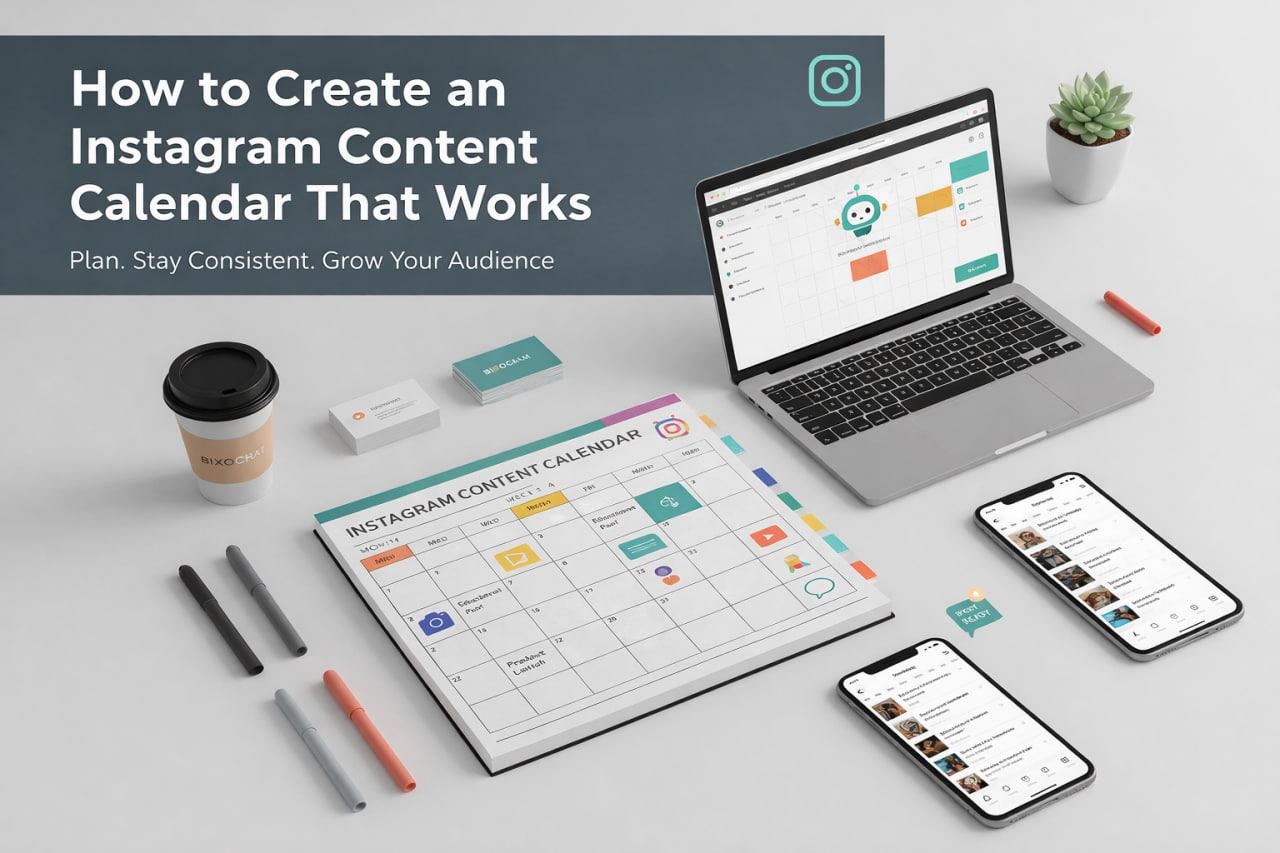
You know you should post consistently on Instagram. But every day, you're scrambling to come up with content ideas. You post randomly, miss days, and wonder why your growth is slow.
A content calendar solves this. It helps you plan ahead, stay consistent, and post strategically. But most content calendars fail because they're too complex or don't match your workflow.
In this guide, we'll share how to create a content calendar that actually works, plus introduce you to a free tool that generates complete content calendars instantly using AI.
Why You Need a Content Calendar
A content calendar isn't just about organization — it's about growth. Here's why it matters:
• **Consistency**: Post regularly without daily stress • **Strategy**: Plan content that aligns with your goals • **Time savings**: Batch create content instead of daily scrambling • **Better quality**: Plan ahead means better content • **Growth**: Consistent posting = algorithm favor = more reach • **Less stress**: No more "what do I post today?" moments
Research shows that accounts with consistent posting schedules grow 3x faster than those posting randomly. Your calendar is your growth tool.
What Makes a Content Calendar Work
Not all content calendars are created equal. Here's what makes one effective:
**1. Realistic Schedule** Plan for what you can actually do. Posting daily sounds great, but if you can't maintain it, you'll burn out. • Start with 3-5 posts per week • Increase gradually as you build the habit • Quality over quantity
**2. Mix of Content Types** Don't post the same thing every day. Mix it up: • Educational posts (tips, tutorials) • Entertaining content (fun, relatable) • Behind-the-scenes (personal, authentic) • User-generated content (community) • Promotional content (products, services)
**3. Strategic Timing** Plan content around: • Your audience's active hours • Product launches or events • Seasonal trends • Industry events or holidays
**4. Flexibility** Your calendar should be a guide, not a prison. Leave room for: • Trending topics • Spontaneous content • Current events • Audience feedback
How to Build Your Content Calendar
Here's a step-by-step process:
**Step 1: Define Your Content Pillars** What are your main topics? Choose 3-5 pillars: • Fitness tips • Healthy recipes • Workout routines • Motivation • Behind-the-scenes
**Step 2: Choose Your Posting Frequency** How often can you realistically post? • Daily (if you can maintain it) • 5x per week (most creators) • 3x per week (minimum for growth)
**Step 3: Plan Your Content Mix** For each week, plan: • 2-3 educational posts • 1-2 entertaining posts • 1 behind-the-scenes post • 1 promotional post (if applicable)
**Step 4: Generate Content Ideas** Use tools like our free Instagram Content Calendar Generator to generate ideas based on your niche. Or brainstorm: • What questions does your audience ask? • What problems can you solve? • What trends are relevant to your niche? • What's working for competitors?
**Step 5: Schedule Your Posts** Fill in your calendar: • Assign content ideas to specific dates • Plan captions and hashtags • Schedule posts (use Instagram's scheduler or third-party tools)
**Step 6: Review and Adjust** Weekly or monthly: • What performed well? • What didn't work? • Adjust your calendar based on results
Content Calendar Templates
Here are templates you can use:
**Simple Weekly Template** Monday: Educational post Tuesday: Entertaining post Wednesday: Behind-the-scenes Thursday: Educational post Friday: User-generated content Saturday: Promotional post Sunday: Rest or repost
**Monthly Template** Week 1: Focus on [topic] Week 2: Focus on [topic] Week 3: Focus on [topic] Week 4: Focus on [topic]
**Themed Days** Motivation Monday Tip Tuesday Behind-the-scenes Wednesday Throwback Thursday Feature Friday
**Pro tip**: Use our free Instagram Content Calendar Generator to generate a complete calendar based on your niche. Export to CSV and customize it to match your needs.
Using AI to Generate Your Calendar
Creating a content calendar manually takes hours. But what if you could generate a complete calendar instantly?
Our free Instagram Content Calendar Generator uses AI to create content calendars optimized for your niche. Simply describe your topics or themes, and the tool generates:
• Content ideas for each day • Mix of post types (Posts, Reels, Stories) • Strategic scheduling • Exportable CSV format
You can use the generated calendar as-is, or customize it to match your unique voice and goals. Many creators use AI-generated calendars as a starting point, then add personal touches.
**Pro tip**: Export the calendar to CSV and import it into your favorite planning tool (Google Sheets, Notion, etc.). This makes it easy to edit, track, and manage your content.
Tools for Managing Your Calendar
Here are tools that help you manage your content calendar:
**1. Google Sheets / Excel** Free, simple, customizable. Great for beginners. • Create columns: Date, Content Idea, Caption, Hashtags, Status • Color-code by content type • Easy to share with team
**2. Notion** Powerful, flexible, great for teams. • Create databases for content • Link to other pages • Track analytics
**3. Content Planning Apps** Tools like Later, Planoly, or Buffer: • Visual calendar view • Schedule posts directly • Preview how feed looks • Analytics integration
**4. Our Free Calendar Generator** Instagram Content Calendar Generator: • Generate ideas instantly • Export to CSV • Customize to your needs • 100% free
Common Calendar Mistakes
Avoid these mistakes that make calendars fail:
**1. Overplanning** Planning months ahead sounds good, but trends change. Plan 2-4 weeks ahead, max.
**2. No Flexibility** Your calendar should adapt. Leave room for trending topics and spontaneous content.
**3. Ignoring Analytics** Don't just plan — track what works. Adjust your calendar based on performance.
**4. Too Much Promotion** Don't make every post a sales pitch. Follow the 80/20 rule: 80% value, 20% promotion.
**5. Copying Competitors** Learn from others, but don't copy. Your calendar should reflect your unique voice.
**6. Not Batch Creating** Plan ahead, but also batch create content. This saves time and ensures consistency.
**7. Ignoring Your Audience** Pay attention to what your audience engages with. Adjust your calendar accordingly.
Measuring Calendar Success
How do you know if your calendar is working? Track these metrics:
• **Consistency**: Are you posting as planned? • **Engagement rate**: Are posts getting likes, comments, shares? • **Reach**: Is Instagram showing your content to more people? • **Follower growth**: Are you gaining followers? • **Content performance**: Which content types perform best?
**If your calendar isn't working:** • Adjust your posting frequency • Try different content types • Use the Instagram Content Calendar Generator to get fresh ideas • Analyze what's working and do more of that • Test different posting times
Remember: Your calendar is a tool, not a rule. Adjust it based on what works for you and your audience.
The Bottom Line
A content calendar isn't just about organization — it's about growth. It helps you post consistently, plan strategically, and save time.
Whether you create your calendar manually or use our free Instagram Content Calendar Generator, remember:
• Plan realistically (what you can maintain) • Mix content types • Stay flexible • Track what works • Adjust based on results • Batch create when possible
Your calendar should make posting easier, not harder. If it's causing stress, simplify it.
**Ready to automate more than just content planning?** If you're spending too much time managing Instagram, check out BixoChat's Instagram automation tools to automate DMs, capture leads, and grow your audience — all while you focus on creating great content.